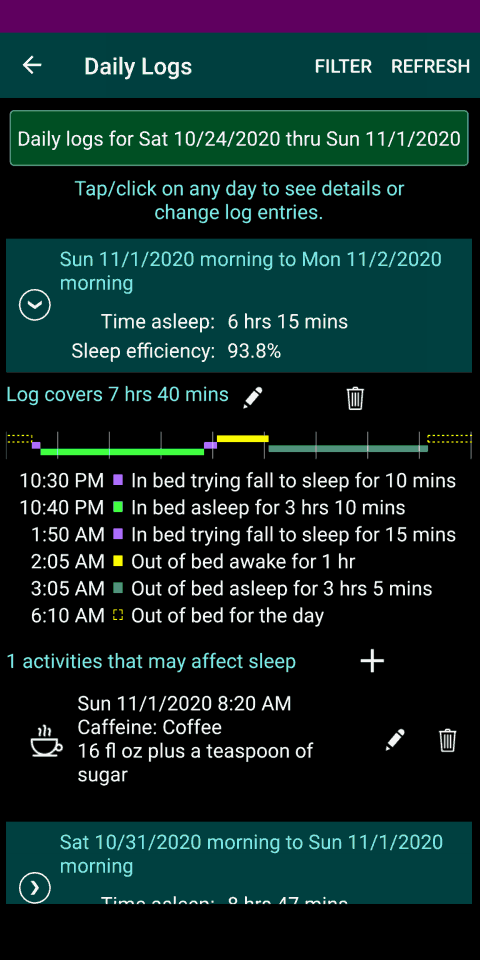
Use the main menu to go to the Daily Logs screen. Initially, this screen shows a summary of your daily sleep logs for each of the last seven days. (In contrast, the Home screen provides access to your sleep log only for the previous day and night.) To change the range of dates displayed, tap on the FILTER command (in toolbar on the top of the screen) or the green DAILY LOGS FOR... button at the top of the screen.
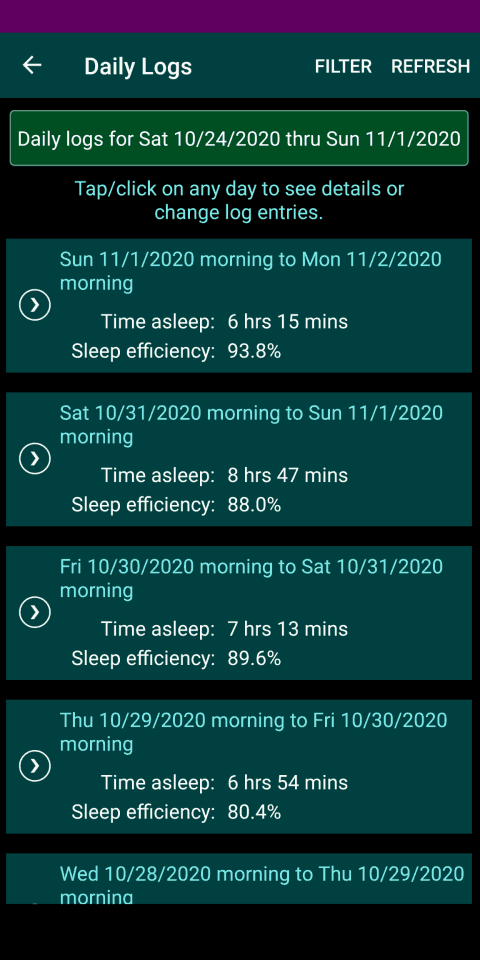
In the list of daily logs, tap on a date summary to expand the entry and view the detailed information logged for that day.
When the details are shown, tap on:
- the pencil icon to edit a log entry (within the last two days)
- the plus (+) icon to add an entry;
- the trash can icon to delete an entry;
- the ellipses (...) to see additional sleep metrics.