Two types of data can be recorded in My Sleep Tracker:
Each nightly “bed and sleep log” allows you to track what happed during the night: when you went to bed, roughly how long it took for you to fall asleep, did you get up during the night, etc. Sleep therapists recommend recording this information so you can identify and analyze patterns of sleep. You can add sleep information for last night or the previous night from the Daily Logs screen. Or, from Home screen tap on the Record bed and sleep... button:
Sleep-related activities are things you typically do during the day that may influence your sleep. Examples include: exercise, napping, taking medication, and drinking caffeine or alcohol. Many sleep therapists suggest what items they want you to track. The Settings screen lets you choose the activities important to you or your therapist. You can add sleep-related activities for today, last night or the previous night from the Daily Logs screen. Or, from Home screen tap on the Record a recent activity... button:

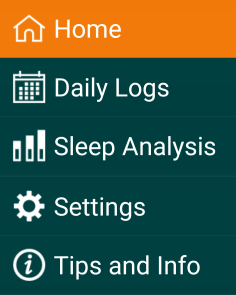
Use the main menu, near the top left of the app, to switch between the five main screens/sections of the app:
- Home
- Daily Logs
- Sleep Analysis
- Sharing
- Settings
- Tips and Info (you are viewing the tips now)
On Android and Windows the main menu looks like a stack of three horizontal bars
 ).
).